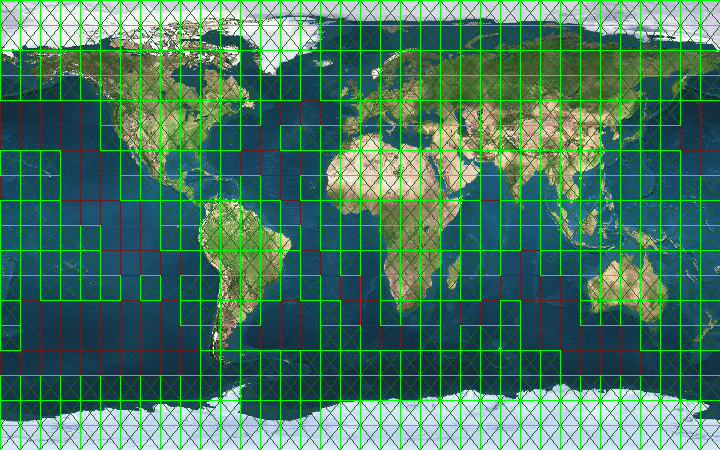
Note: The scenery download only supports 1 file download at a time.
Note: These files are in .TGZ format and they need to be in this file format to work on the flight launcher
installer. On some systems, the files get auto-converted to .TAR after you've saved them. This will NOT work.
If you're having this problem, instead of clicking on the chunk, RIGHT CLICK and left click on "SAVE LINK/TARGET AS"
to save the scenery file as .TGZ. The flight launcher system only recognizes .TGZ files.
We do offer the 4 DVD edition if you prefer not to download.
INSTRUCTIONS TO INSTALL SCENERY:
1. Save the scenery files to your hard drive.
2. After installing ProFlightSimulator, launch the game and click on "MORE OPTIONS" at the
Flight Launcher startup screen
3. Click on Install Scenery and select the files you've just downloaded. (you can select multiple files)
NOTE: When you install new sceneries, do note that some scenery might not contain airports.
As such, no new airports will show on the screen. This is normal.
However, if you fly to that area, you'll see objects and landscapes. Certain scenes do contain airport
runways so you'll see new airports being loaded on the screen.
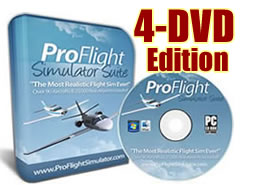 If you prefer not to download in blocks, opt for the 4 DVD edition here.
The 4 DVD edition contains a built-in ALL-IN-ONE continent scenery installer.
This allows you to install scenery and airports for the entire world
in just 10 minutes or less. This is great for those who wish to install
scenery files or airports in bulk.
The 4 DVD edition is also suitable if you have a slow internet connection
or just need a physical version for peace of mind.
Order The 4-DVD Physical Edition With Worldwide Shipping Now >>
These 4 DVDs will be shipped to your home and saves you time in downloading and installing scenery files
with the built-in all-in-one continent installer. Even better the DVDs come with an additional 110 bonus aircrafts.
This offer is only available to existing members and you pay only $39.95 for the entire complete set